PESCO Duplicate Bill — Print & Download Online 2026
Paper bill got lost, rained on, or never reached your doorstep? It happens all the time in KPK — and you don’t need to queue at a sub-division office to fix it. A PESCO duplicate bill is a free, official copy of your current bill that you can print or save as a PDF in…
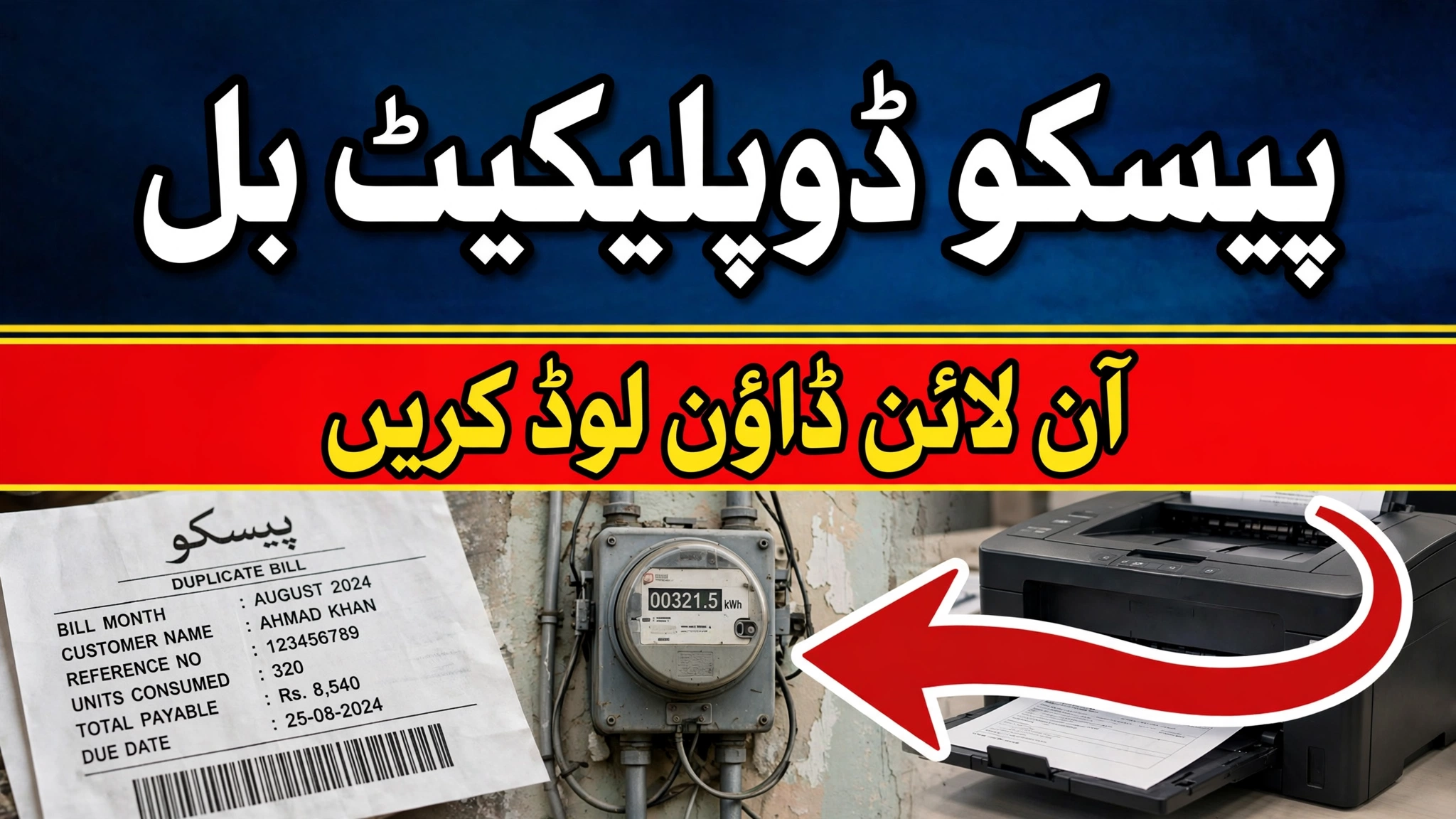
Paper bill got lost, rained on, or never reached your doorstep? It happens all the time in KPK — and you don’t need to queue at a sub-division office to fix it. A PESCO duplicate bill is a free, official copy of your current bill that you can print or save as a PDF in about two minutes. Here’s exactly how to get one.
Need a quick check instead of a printed copy? Use our free PESCO bill checker first — it validates your 14-digit reference number and opens the official portal in one click.
What Counts as a PESCO Duplicate Bill?
Simple: it’s the same bill PESCO prints and sends to your home, pulled straight from the official billing database. There’s no such thing as a “fake” duplicate here — the copy you download from the PITC portal carries your reference number, meter reading, units, due date, and arrears, exactly like the original.
One honest note before we start: PESCO doesn’t let third-party websites fetch bills directly, including ours. The steps below take you to PESCO’s own official portal, where the bill is actually generated. TimelyUps just makes the route painless.
Download Your PESCO Duplicate Bill — Step by Step
- Open the official portal: go to bill.pitc.com.pk/pescobill. This is the PITC system — the state company that runs billing for PESCO and most other DISCOs. It’s the same page PESCO’s own website links to under “Duplicate Bill.”
- Keep “Reference No” selected. It’s the default option on the form.
- Enter your 14-digit reference number. You’ll find it on the top section of any old bill, labeled “Reference No.” Type it with no spaces or dashes — the box stops accepting input at 14 characters.
- Complete the captcha. PESCO added this for security; the search won’t run without it. If the code is hard to read, there’s a refresh option — use it rather than guessing.
- Press Search. Your current bill appears on screen.
- Print or save it. On a computer, press Ctrl+P and either print directly or choose “Save as PDF.” On a phone, use the browser’s share menu and pick “Print” — you’ll get the same “Save as PDF” option. That’s your duplicate.
Printing on Mobile vs Computer
Most people in KPK do this on a phone, and it works fine. Android’s Chrome and iPhones’ Safari both have a Print option in the share menu — choose your printer or “Save as PDF,” and the duplicate comes out in the same layout the banks accept. On a desktop, Ctrl+P gives you more control: set the margins to “Default” and the background graphics on, so the bill’s table lines and totals print cleanly instead of half-faded.
Whichever you use, save the PDF somewhere you’ll find it next month — a WhatsApp chat with yourself, Google Drive, wherever. The number won’t change, but the bill itself updates every cycle.
What’s Actually on the Duplicate?
The duplicate mirrors the original bill line for line. Here’s what to look at before you pay:
Quick sanity check that saves arguments later: compare the meter reading on the bill with the actual meter outside your house. If the numbers are wildly apart, take a photo of the meter and file a correction complaint on 118 — don’t just pay and hope.
Where Is the Duplicate Accepted?
Everywhere the original is. Print it out or show the PDF — banks, JazzCash and Easypaisa agents, NADRA e-Sahulat centers, and online banking apps all accept the duplicate because the reference number and amount come straight from PESCO’s system.
It also works as proof of address or billing for the usual paperwork: rental agreements, new connection applications, and tenancy verification. Landlords in Peshawar ask for this constantly — now you can pull one on the spot instead of digging through a drawer.
When Things Go Wrong
| Problem | What’s happening & the fix |
|---|---|
| Portal hangs on first load | Known PITC behavior, especially in the evening. Wait a minute and reload — it usually opens on the second try. |
| “Given Ref/App No is invalid” | A typing slip. Check for spaces, a dropped leading zero, or a digit you misread. Exactly 14 digits, numbers only. |
| Captcha won’t accept | Refresh the code and type it fresh. Codes are case-sensitive where shown. |
| Bill shows last month, not this one | The database updates a few days into the billing cycle. If your due date hasn’t passed yet, check back in 2–3 days. |
| Print looks broken or cut off | Turn on “Background graphics” in the print dialog and set margins to Default. The bill was designed for A4. |
Make the Monthly Routine Easier
Two things worth doing once and forgetting about: subscribe to free monthly SMS alerts by sending your 14-digit reference number to 8334 — PESCO texts you the amount, due date, and payment confirmation every cycle. And bookmark the portal so you’re never hunting for the link when the due date is tomorrow.
Get your duplicate bill now
Validate your 14-digit reference number and open the official PESCO portal — free, no login, works across all of KPK.
Open PESCO Bill CheckerChecking other bills too? Try our electricity bill checker hub for all DISCOs, the Sui gas bill checker, and the WASA water bill checker — or browse all free tools.
Frequently Asked Questions
Is a PESCO duplicate bill accepted at banks for payment?
Yes. The duplicate you download from the official PITC portal is generated from PESCO’s live billing database, so banks, JazzCash, Easypaisa, and NADRA e-Sahulat treat it exactly like the original. It carries your reference number, amount, and due date — that’s all the counter needs.
Can I get a duplicate bill for an old month?
The portal shows the current billing cycle. If you need a copy of an older bill, your best bet is the 8334 SMS alert history if you subscribed, your bank or JazzCash transaction records, or a visit to your sub-division office with the reference number — they can reprint older cycles.
Why does my printed duplicate show last month’s bill?
PESCO’s portal updates a few days into each new billing cycle. If you’re checking right after the month starts, the previous bill may still be on display. Wait 2–3 days and check again — the new bill appears once the cycle’s billing run completes.
Is there a PESCO app to download bills directly?
There is no official PESCO app for bill viewing. PESCO’s own website points users to the PITC web portal for duplicate bills. Any third-party app claiming to fetch PESCO bills is unofficial — stick to the portal and the 8334 SMS service.
Can I use the duplicate bill as address proof for official work?
Yes, it’s commonly accepted for rental agreements, tenancy verification, and new-connection applications, since it shows your name, address, and an active meter. For anything requiring a stamped copy (rare), the sub-division office can attest it.
How do I save the bill as a PDF on my phone?
On Android, open the bill in Chrome, tap the three-dot menu → Share → Print, then choose “Save as PDF” as the printer. On iPhone, tap the Share button in Safari → Print, then pinch-out on the preview to open it as a PDF and save it to Files.