
Samsung Galaxy A57 Gets Android 17: One UI 9.0 Stable Update Rolling Out — Pakistan Details
Samsung has started rolling out the stable One UI 9.0 update, based on Android 17, for the Galaxy A57 — making it the first Galaxy A-series phone to get Samsung’s newest software. The update (firmware A576BXXU6BZIE, roughly 2.3GB) began in South Korea last week and has now reached Europe, with more regions to follow. If…
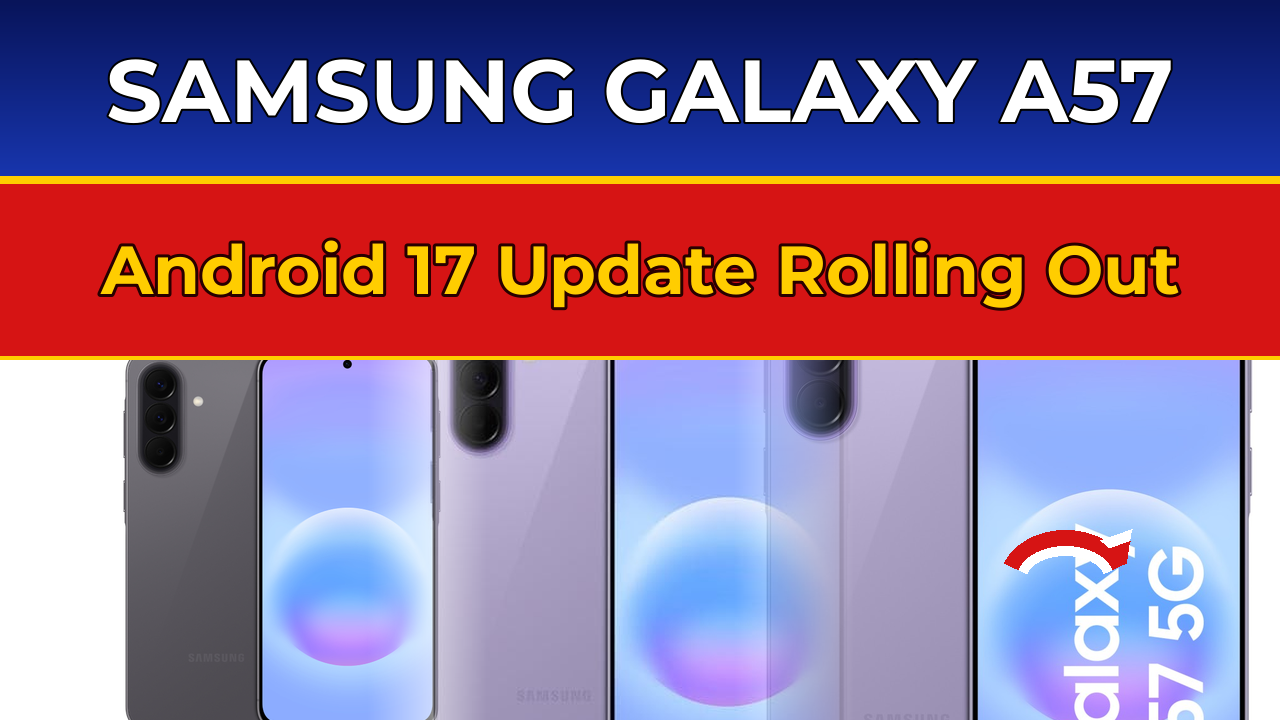
Samsung has started rolling out the stable One UI 9.0 update, based on Android 17, for the Galaxy A57 — making it the first Galaxy A-series phone to get Samsung’s newest software. The update (firmware A576BXXU6BZIE, roughly 2.3GB) began in South Korea last week and has now reached Europe, with more regions to follow. If you own a Galaxy A57 in Pakistan, here is the honest picture: your update is coming, but Pakistan usually sits further back in Samsung’s rollout queue, so do not panic if the “Download and install” button does not show anything yet.
This is a big one — not a routine security patch. One UI 9.0 brings a redesigned, highly customizable Quick Panel, big upgrades to Samsung DeX and Samsung Notes, a new location privacy indicator, an AI-powered spam call detector, and the September 2026 security patch with 90 fixes. Below is everything in the update, when Pakistan is likely to get it, and one reported bug you should know about before tapping install.
Where the update is available right now
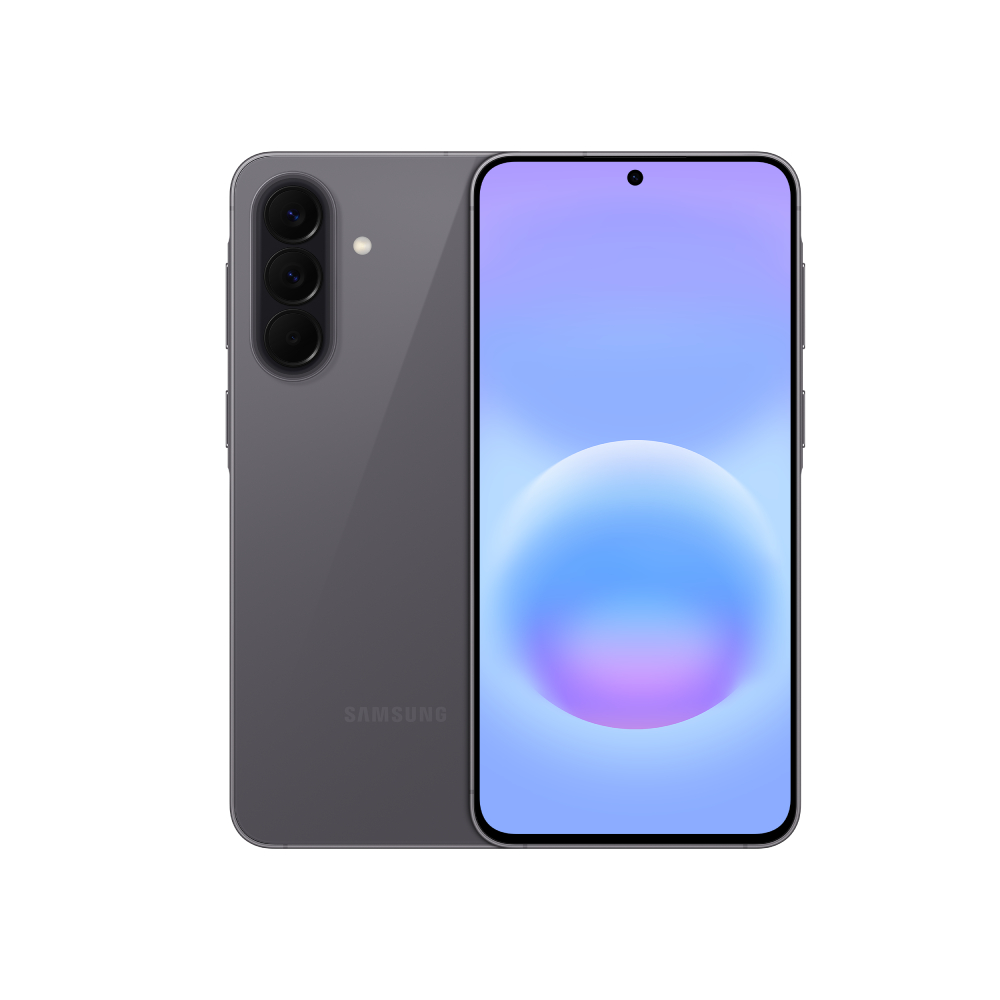
Samsung followed its usual playbook: South Korea first, where the phone is sold as the Galaxy Quantum 7, about a week before the wider rollout began. The international model then started receiving the stable build in Europe — France, Austria, Poland, Slovenia, Switzerland and Turkey among the first countries, according to SamMobile and SammyFans.
That matters for Pakistan because the Galaxy A57 sold here is the same international model (SM-A576) getting the update in Europe. Samsung releases in batches, so timing varies by country, carrier and variant — but the Pakistani units are on the same firmware track. The update has not been announced for Pakistan yet, but there is no technical reason it would be skipped.
To check, go to Settings > Software update > Download and install. It is a ~2.3GB download, so use Wi-Fi and back up your data first. A notification should also appear on its own once the build reaches your region.

What is new in One UI 9.0 (Android 17)
The headline change is the Quick Panel: it has been redesigned with thicker, cleaner sliders and far more layout customization, and power users can tweak it further with Samsung’s Good Lock modules (QuickStar, Theme Park). Productivity gets a lift too — Samsung DeX and Samsung Notes both picked up meaningful enhancements, and the accessibility suite has several new additions.
Privacy gets attention as well. A new location privacy indicator sits in the corner of the screen and shows in real time when an app is using your location — small, but genuinely useful. The update also ships the September 2026 security patch, bundling 90 fixes in total: 58 from Google and 32 from Samsung and Samsung Foundry. On a phone this popular in Pakistan, that patch alone makes the update worth installing.
Two additions stand out for everyday use. First, an AI-powered spam detection feature for calls: if a caller speaks in a way that matches voice-phishing tactics, the phone analyzes whether the voice sounds modulated and warns you — timely, given how common scam calls have become. Second, a new lock screen clock with a clean, modern design that automatically adjusts its style to match your wallpaper.
One thing to keep expectations in check: the new Galaxy AI features on flagships — things like My FanCam and Call Brief — are not expected to arrive on A-series phones with this update. Samsung is keeping those exclusive to the S series for now.

A reported bug: what to watch for
Before you rush to install, know this: some early owners in Europe have reported a bug that stops the phone from booting or getting past the setup screen after the update. Users on forums say restarting into Safe Mode gets around it — but that workaround comes from owners, not Samsung, which has not issued a statement on the problem as of this writing.
Practical advice for Pakistani users: back up your photos, chats and files before updating, keep the phone charged above 50% (or plugged in), and if you are not comfortable troubleshooting, waiting a week or two for Samsung to iron out early reports is a perfectly reasonable call. The September security patch is important, but a few days’ delay will not hurt.
How it fits Samsung’s 2026 rollout
The A57 beating other A-series phones to stable One UI 9.0 is notable — the Galaxy A58 has only received its first One UI 9 firmware build, and the A16 and A55 are still on beta builds, per firmware trackers. It also follows the pattern of Samsung’s recent launches: major software first, flagships and premium mid-rangers like the A57 leading the charge.
For context, Samsung has had a busy month in Pakistan — the ColorOS 17 global launch from Oppo and Apple’s HomeView smart home event both landed this week. The A57 update keeps Samsung in the conversation for the thousands of Pakistani users who bought the company’s most popular 2026 mid-ranger.
Frequently asked questions
When will the Galaxy A57 get the One UI 9.0 (Android 17) update in Pakistan?
Samsung has not announced a Pakistan date. The stable update is live in South Korea and Europe as of mid-October 2026; Pakistan usually receives such updates a few weeks after the European rollout. Check Settings > Software update > Download and install periodically.
What is the firmware version and size of the A57 One UI 9 update?
The international build is A576BXXU6BZIE and weighs 2,315.25MB (about 2.3GB). The Korean variant (Galaxy Quantum 7) uses build A576SKSU2BZIE.
What is new in One UI 9.0 for the Galaxy A57?
A redesigned customizable Quick Panel, Samsung DeX and Notes enhancements, accessibility upgrades, a location privacy indicator, AI-powered spam call detection, a new lock screen clock, and the September 2026 security patch with 90 fixes.
Is there a bug in the Galaxy A57 One UI 9 update?
Some early owners in Europe report the phone failing to boot or getting stuck at setup after installing. A Safe Mode restart is the community-reported workaround. Samsung has not commented. Back up your data before updating.
Will the Galaxy A57 get Galaxy AI features with One UI 9?
No — the new Galaxy AI features on flagships (like My FanCam and Call Brief) are not expected on A-series phones. The A57 does get AI-powered spam call detection.
How do I install the update on my Galaxy A57?
Go to Settings, tap Software update, then Download and install. Use Wi-Fi for the ~2.3GB download, keep the battery above 50%, and back up important data first.