
1Password hacked: customer names and emails stolen, but your passwords are safe
Yes, 1Password was hacked — but your passwords are safe. The company disclosed on Wednesday 25 November 2026 that an attacker broke into its systems and copied account information — including names and email addresses — from a subset of customers. Your vault was never reached, and 1Password says you do not need to change…
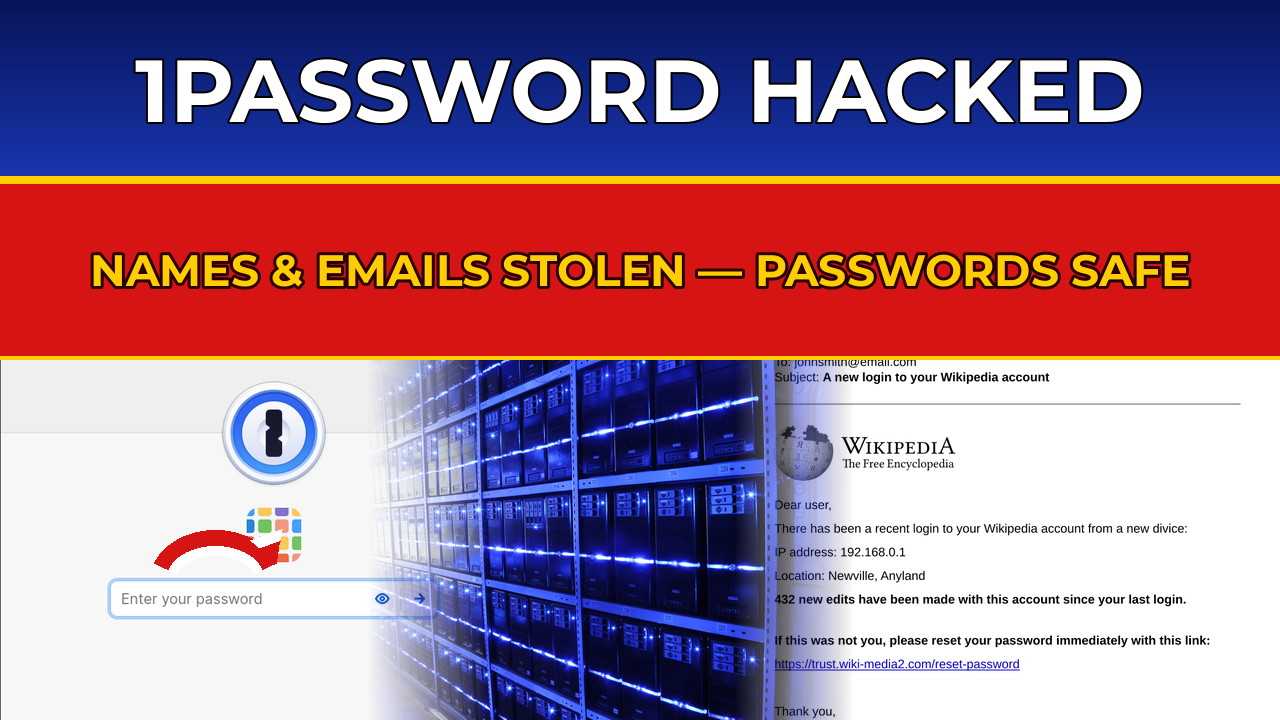
Yes, 1Password was hacked — but your passwords are safe. The company disclosed on Wednesday 25 November 2026 that an attacker broke into its systems and copied account information — including names and email addresses — from a subset of customers. Your vault was never reached, and 1Password says you do not need to change anything. Just stay alert for phishing messages using your stolen name and email.

What happened
On 19 November 2026, 1Password began investigating signs that an attacker had gained access to an employee’s corporate GitHub account, TechCrunch reported. The attacker used it to reach source code and push malicious code to backend services, downloading administrative customer data.
The attacker also copied source code from private repositories and reached the CI/CD system. Source code holds no user secrets, and the infrastructure secrets there have all been rotated or revoked, according to The Hacker News.
1Password disclosed the incident six days later, on 25 November. Its apps and browser extensions were unaffected, with no impact on services or product security.

What was taken — and what was not
The stolen data was administrative account information, not vault contents — here is what the attacker got, and what stayed out of reach.
| Item | What happened |
|---|---|
| Names | Taken |
| Sign-in email addresses | Taken |
| Account identifiers, creation and last sign-in times | Taken |
| Public keys | Taken — public by design, no security impact |
| Secure Remote Password (SRP) parameters | Taken — cannot be used to access an account |
| Tokens in emailed invitation, provisioning and recovery links | Taken — useless alone; an SSO sign-in or verification code is also needed |
| Source code from private repositories | Copied — not customer data, no user secrets |
| Vault contents — passwords, passkeys, stored secrets | Not accessed |
| Keys that protect vaults | Not accessed |
| Account passwords and Secret Keys | Not accessed — 1Password does not store them |
| Account recovery keys | Not affected |
| 1Password apps and browser extensions | Not affected |
Why were the vaults safe? Your vault is encrypted with keys that live on your devices, protected by your account password and Secret Key — and 1Password stores neither. That design kept the attacker out even after reaching the backend, as Engadget noted, and 1Password found no evidence of account takeovers using the exposed tokens.
What 1Password did
1Password says it disabled the affected GitHub account, revoked the stolen token, removed the attacker’s access, and rotated or revoked all internal credentials that may have been exposed. It tightened GitHub, CI/CD and endpoint controls, added new detections, and brought in independent cybersecurity experts to validate the fixes, Macworld reported.
Verification codes in invitation and recovery emails were lengthened from six digits to ten alphanumeric characters, to make brute-force guessing practically impossible, according to How-To Geek. The small number of users with active invitation or recovery tokens have been specifically notified.
What to do now
1Password’s advice is simple: you do not need to update anything or change credentials. Just watch for phishing — the stolen names and email addresses are exactly what scammers need to send convincing fake messages.

Be cautious about unexpected messages mentioning 1Password, invitations or account recovery. 1Password will never ask for your account password or Secret Key — anyone who does is a scammer. Never share your Secret Key, and only enter credentials in the official app or website. If a message asks you to click a link to “verify” or “recover” your account, open the app yourself instead.
Phishing is not a 1Password-only problem. Pakistan’s National CERT has issued similar warnings — its WhatsApp security advisory and its warning about AI-powered cyberattacks on banks — and 9.4 million cyberattacks were recorded in Pakistan in November alone, according to Kaspersky data.
What is not yet known
1Password has not said how many customers were affected — only “a subset” — and has not confirmed every affected customer has been notified. It has not named the attacker, and no group had publicly claimed the attack as of 26 November. 1Password says it will update its incident post if further details emerge, and we will update this article then.
November has also seen the $6.3 billion Binance hack and the Optimizely cyberattack that hit CNN and BBC sites.
Frequently asked questions
Was 1Password hacked?
Yes. On 25 November 2026, 1Password disclosed that an attacker entered its backend systems via an employee’s compromised GitHub account and copied administrative customer data from a subset of customers.
Are my passwords safe after the 1Password breach?
Yes. Vault contents, vault keys, account passwords, Secret Keys and recovery keys were not accessed — 1Password does not store your account password or Secret Key.
Do I need to change my 1Password password?
No. 1Password says you do not need to update anything or change credentials. The main risk is phishing, not a compromised vault.
Is 1Password still safe to use?
According to 1Password, yes. Its apps and extensions were unaffected, services were not disrupted, and it found no evidence of account takeovers. Stay alert for phishing, and never share your Secret Key.